Mastering the LinkedIn Text Formatter for Maximum Reach
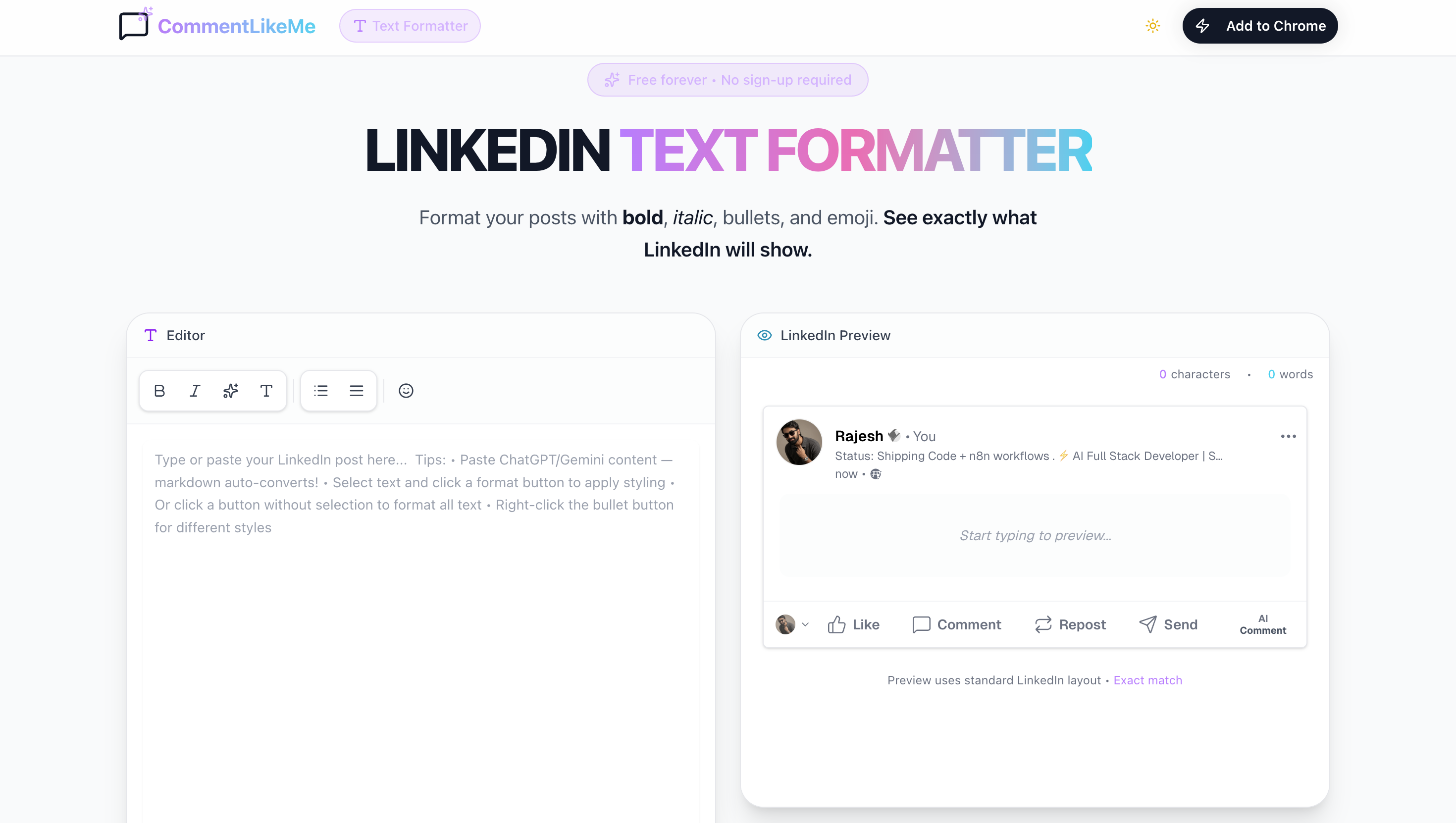
LinkedIn posts with proper formatting see up to 2.5x higher engagement than plain-text posts. Why? Because blocks of unformatted text are hard to read on mobile devices, where 60% of LinkedIn users consume content. Here is how to master our new Text Formatter.
The Science of Visual Anchors
Visual anchors are elements that draw the eye as a user scrolls. Bold headers, italicized emphasis, and bullet points act as "stopping points" that force the brain to process your key message before the thumb continues to scroll.
"Formatting isn't just about aesthetics; it is about accessibility and information hierarchy."
When to Use Each Style
1. Bold for Hook & Headlines
Use Unicode Bold for your first line (the Hook). LinkedIn shows only 3 lines on mobile before the 'See More' button. Making that first line bold increases the click-through rate significantly.
2. Italic for Storytelling
Italics are perfect for internal monologue, quotes, or emphasizing a personal realization. It signals a shift in tone from professional insight to personal narrative.
3. Bullets for Value-Density
If you're listing 3 tips, use bullets. Our formatter supports several styles:
- Classic Dots (●) for lists
- Checkmarks (✓) for results
- Arrows (→) for processes
Mobile Optimization Tip
Before you copy-paste to LinkedIn, use the LinkedIn Preview panel in our tool to check your line breaks. What looks good on desktop often feels "cramped" on mobile. Add extra white space between formatted paragraphs for best results.
Conclusion
Formatting is the easiest 'unfair advantage' you can use on LinkedIn today. It costs nothing but makes your posts feel premium and highly readable.
Rajesh Kalidandi
Founder & CEO at CommentLikeMe • AI-Powered LinkedIn Growth
Ready to sound like yourself?
CommentLikeMe writes comments in your voice on LinkedIn, X, and Reddit — trained on comments you actually wrote.