LINKEDIN
TEXT FORMATTER
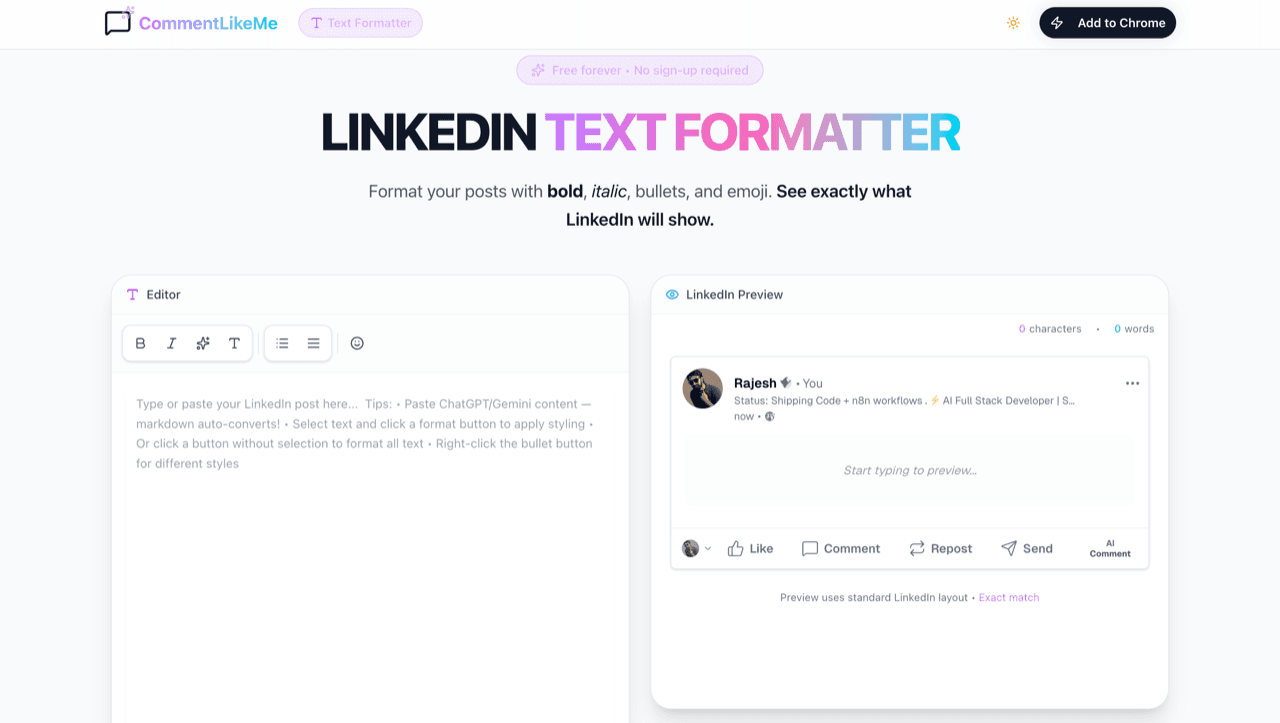
Format your posts with bold, italic, bullets, and emoji. See exactly what LinkedIn will show.
Approximate LinkedIn layout • long posts get truncated in the real feed
Hook First
LinkedIn shows only 2-3 lines before 'See more'. Make your opening count!
Use Bold Sparingly
Bold your key points or strongest phrases—too much bold loses impact.
Mobile Friendly
These Unicode characters work perfectly on all devices and the LinkedIn app.
Why Formatting Matters
LinkedIn posts with bold hooks and clear bullet points see up to 2.5x higher engagement. Proper spacing and visual anchors make your content accessible and professional on both mobile and desktop.
How to Master Your Posts
1. Create Your Content
Write directly in the editor or paste from AI tools. Our editor automatically converts markdown into clean Unicode formatting!
2. Style with One Click
Highlight text and click Bold or Italic. Use the monospace tool for code snippets or technical emphasis.
3. Add Visual Structure
Use the bullet tool for clear lists. Visual anchors help mobile users scan your value-points faster.
4. Preview & Finish
Check the Live Preview to ensure your formatting doesn't get cut off by LinkedIn's 'See more' button. Copy and post!
Commonly Asked
Will this hurt my LinkedIn reach?
No! Strategic formatting actually improves dwell time and engagement, which LinkedIn's algorithm loves. Just avoid over-using emojis.
Are these characters search-friendly?
Unicode characters are technically symbols. For SEO-critical keywords, we recommend keeping them in plain text, while using bold for emphasis.
Does this work on mobile apps?
Yes. We use standard Unicode math symbols that render perfectly on both the LinkedIn iOS and Android apps.
Is this tool free to use?
Absolutely. The LinkedIn Text Formatter is a public utility by CommentLikeMe to help professionals build better brands.
Want AI-Powered Comments Too?
CommentLikeMe generates authentic LinkedIn comments in your voice using your experience.
Try CommentLikeMe Free